Timer
One click. Everything you need.
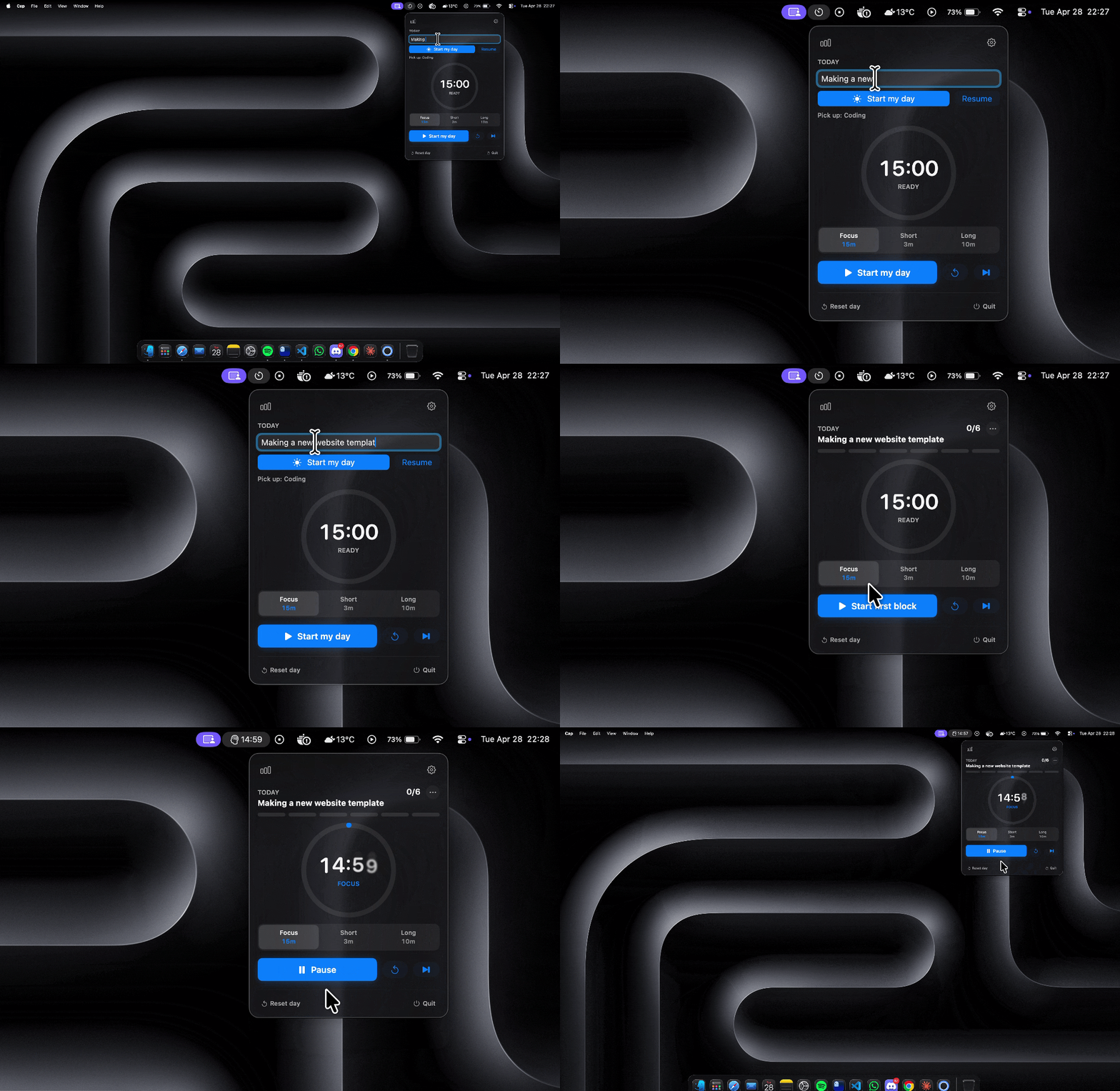
Click the menu bar icon and your session is right there. Ring, time, mode, streak. Nothing else competes for your attention.
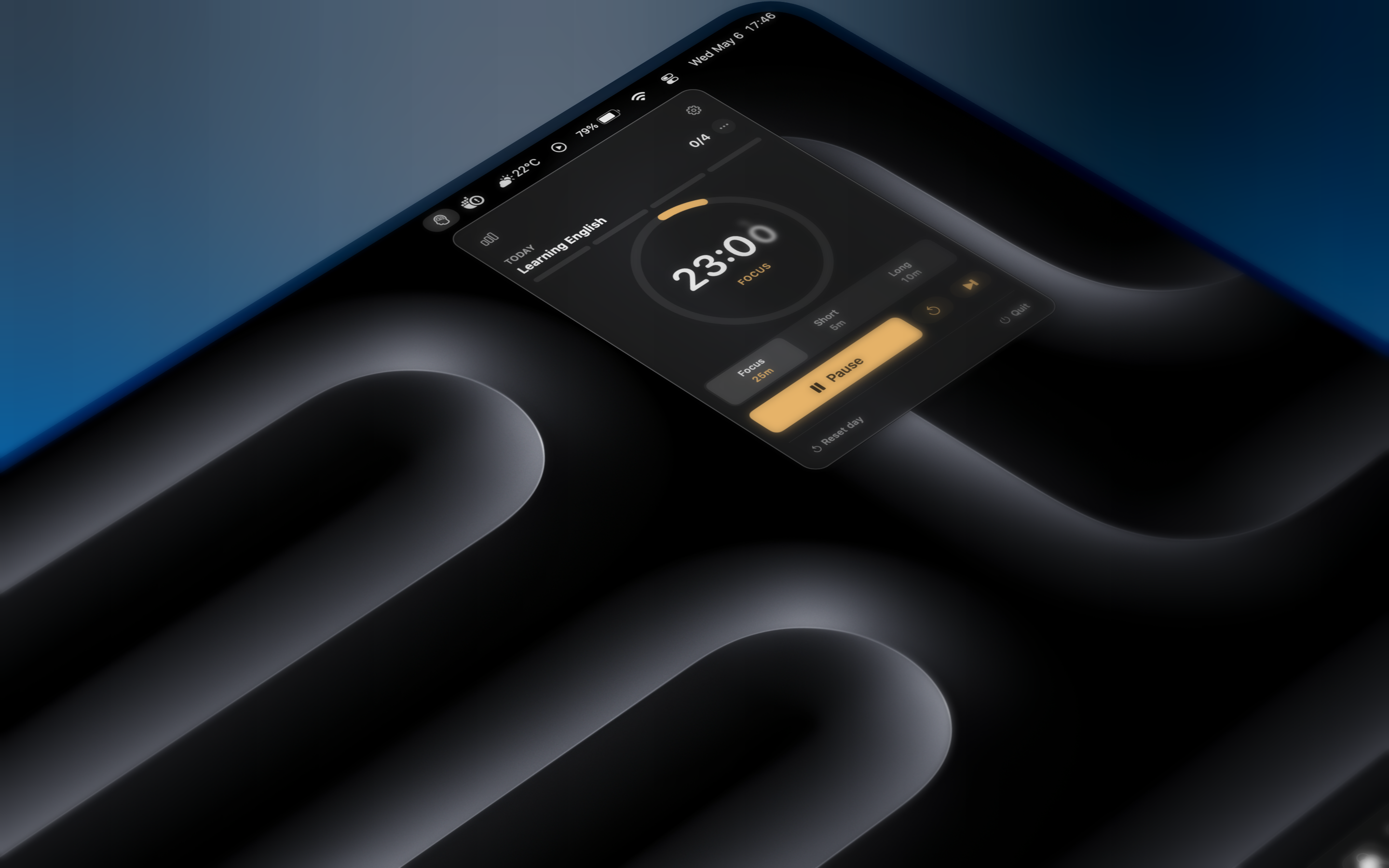
Breaks lives quietly in your menu bar. It tracks focus, keeps streaks, and reflects on your week with on-device AI. No servers, no account, no analytics. Just you and your attention.
A small set of ideas, executed with care. None of them shout, all of them compound into a workday that feels less interrupted.
A weekly summary of where your focus went, plus a chat that answers questions about your journal. Apple Foundation Models, all local. No API keys, no servers.
No Dock clutter, no extra window. A small icon, a quiet countdown, and a popover when you need it.
Pick a focus, label each block, and mark it good, messy, or skipped. Tag with a project to see week / month / all-time time per project.
A weekly rest-day budget, sleep recovery, and idle prompts keep progress useful without punishing real life.
Pomodoro, 52/17, Deep Work, Flowtime, Ultradian, or Quick. One tap to switch, or tune the durations yourself.
Optionally write completed focus blocks to Calendar. Or export your full focus journal as a Markdown file you own.
Click the menu bar icon and your session is right there. Ring, time, mode, streak. Nothing else competes for your attention.
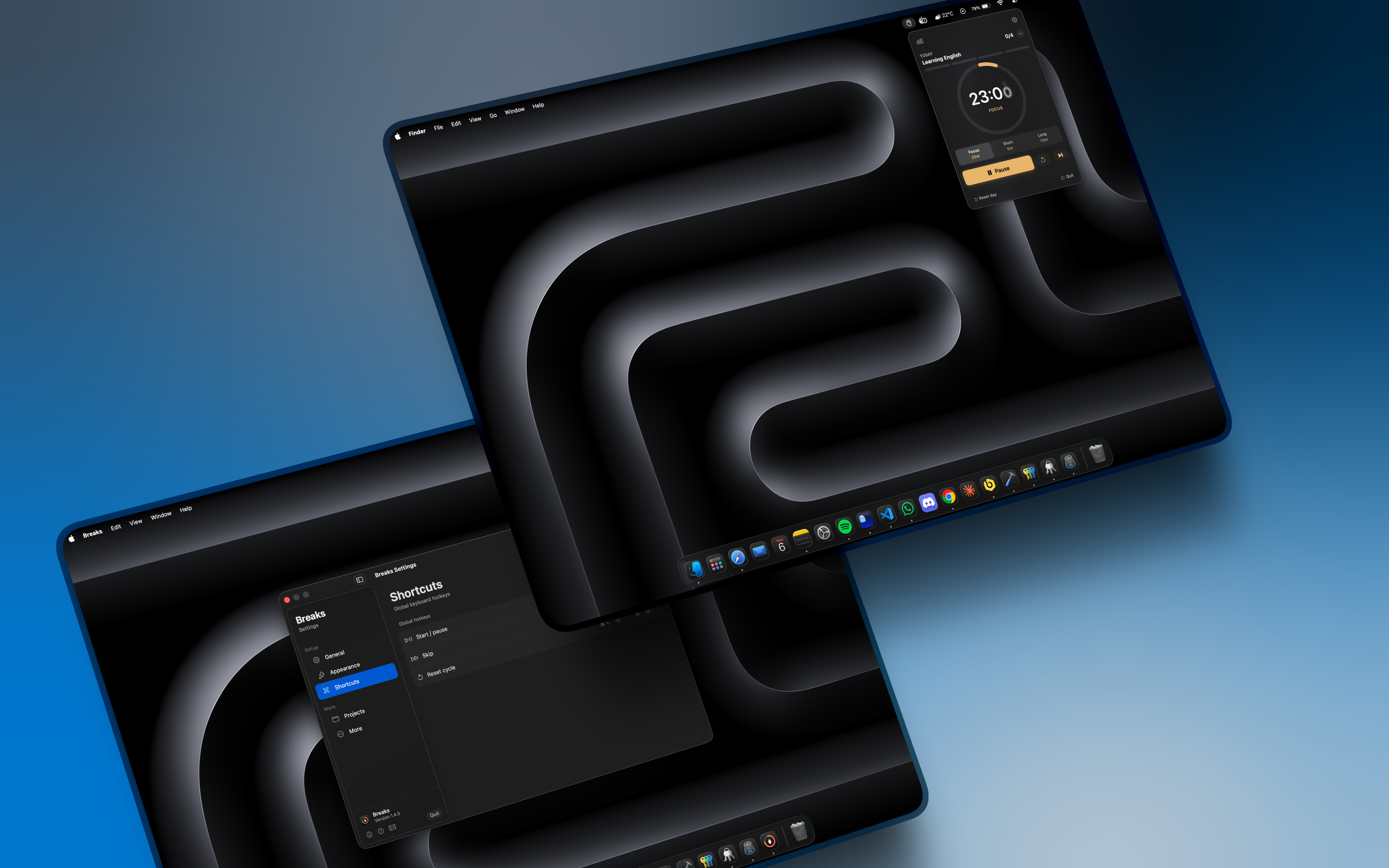
Durations, sounds, hotkeys, idle threshold, pause-day budget, cycle templates. Every option in one collapsible panel.
Free. Notarized. One click from the App Store, or grab the DMG directly from GitHub. No account, no subscription.
The easiest way. One click, automatic updates, no dragging required.
Get on the Mac App Store →Grab Breaks.dmg from the latest GitHub release. Notarized, universal binary, under two megabytes.
Latest release →Open the DMG and drag Breaks into your Applications folder. Same as any other Mac app.
Open Breaks from Applications. No right-click required — the build is notarized and Gatekeeper clears it automatically.
Yes. Free, MIT-licensed, no in-app purchases, no account, no analytics, nothing leaves your machine. State lives in macOS UserDefaults under the bundle ID.
No. Breaks AI runs entirely on your Mac through Apple Foundation Models. The weekly summary and the chat both read your local focus journal and answer locally. No API keys, no servers, no telemetry. It needs macOS 26 with Apple Intelligence enabled and an Apple Silicon Mac that supports it.
No warning. As of v1.4.1, Breaks is Developer ID signed and notarized by Apple. Download the DMG, drag to Applications, and launch normally — Gatekeeper clears it on first launch without any extra steps.
Yes. Releases ship as a universal binary (arm64 + x86_64), so the same DMG runs on Apple Silicon and Intel Macs.
Breaks watches sleep and wake notifications, then reconciles the timer against an end-date so it doesn't drift. Open the lid an hour later and the session is right where it should be.
If you walk away for longer than your idle threshold, Breaks notices and asks whether the just-elapsed time should still count toward the session. You decide.
Each ISO week comes with a small pause-day budget. The first N missed days that week are absorbed before the streak starts decaying. Configurable in settings.
Yes, starting in v1.1. Calendar export is optional and only runs after you enable it in settings and grant macOS permission.
Sparkle auto-update is coming for DMG users. App Store users will get updates through the Mac App Store automatically. For now, watch the GitHub repo or check Releases.
GitHub Issues is the right place. The roadmap is a public Project on the same repo.